
FREE Training on Virtual Studio Set Up + Using ATEM Mini Switcher for multi-views + Zoom assessment
Now through the end of June, I'm providing discounted coaching sessions on a limited basis. (click here for details)
Speakers who do NOT have a professional presence just aren't going to get hired when compared to another speaker who does have a better looking set up.
This is why I'm offering Zoom assessments to help you find your virtual blind spots and getting some helpful suggestions how to improve.
Whether you're seeking some tips and suggestions to improve your Zoom presence or you're serious about learning how to set up a virtual studio, I'll answer any questions you have.
I'll review what you have, how you look, and how you can make it better. More specifically, I'll address your backdrop as well as your lighting, audio and video, all in one session.
Click here to download the equipment list with budget options: https://bit.ly/3jWKumo
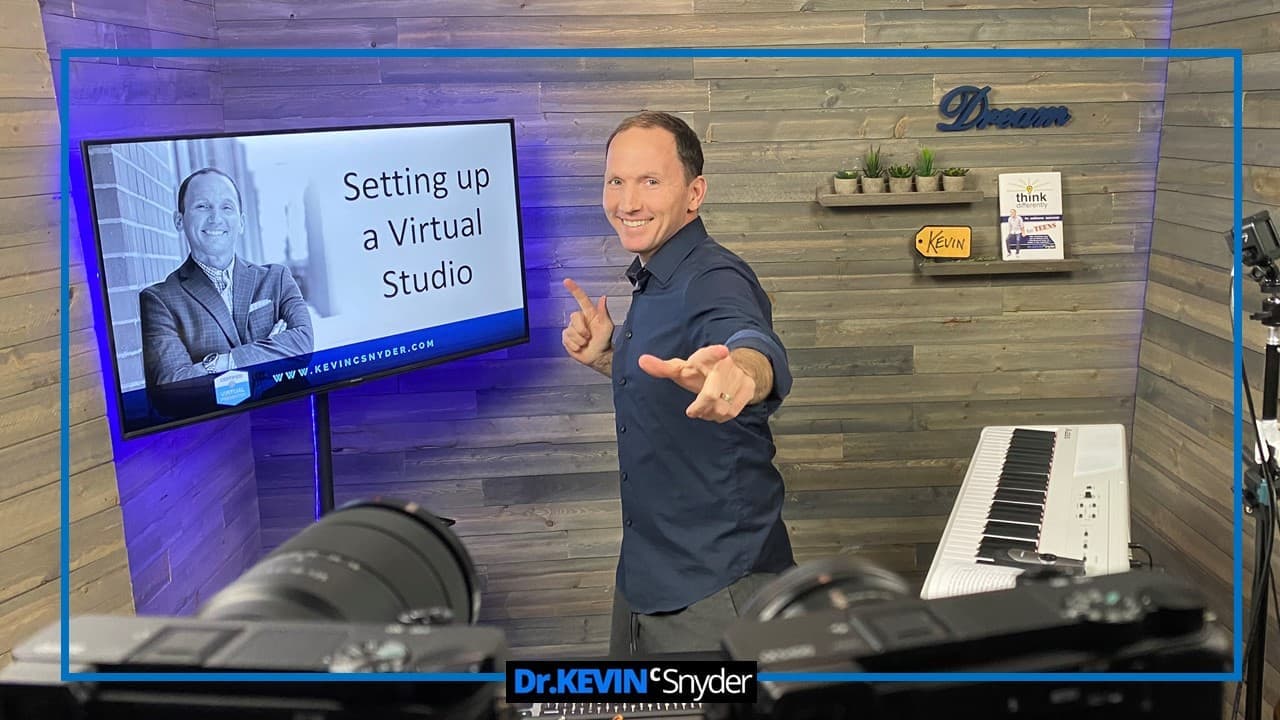
[FREE TRAINING VIDEO] HOW TO SET UP A HOME VIRTUAL STUDIO
This video is for all levels of tech savvy … whether you’re just starting out virtually or trying to up your game, learn how to design a professional looking virtual studio. And whether you speak professionally, coach, train, teach, work at a church, lead a team or work in sales, having a virtual studio will position you very well. I take you in front of the camera and behind the camera to show you everything.
This video outlines:
* backdrop
* lighting recommendations
* sound
* video (comparing USB webcam with professional camera)
* how to get multi-camera angle views
*... and much more.
[FREE TRAINING VIDEO] HOW TO USE AND RECORD WITH ATEM MINI SWITCHER
I highly recommend you purchase the ATEM Mini switcher... it's affordable and will be a game changer for your speaking business. Whether you already have it or are considering it, watch this video.
In this video:
* step-by-step how to use the ATEM Mini switcher
* how to record with the ATEM Mini switcher without going through Zoom
* comparing the Pro versus the Standard version
* power of the multi-view out & picture in picture feature
* what all the HDMI inputs and outputs look like
Have urgent or important questions and need a 1:1 answer?
Review my availability for a quick Zoom assessment or let's chat about my virtual studio coaching